
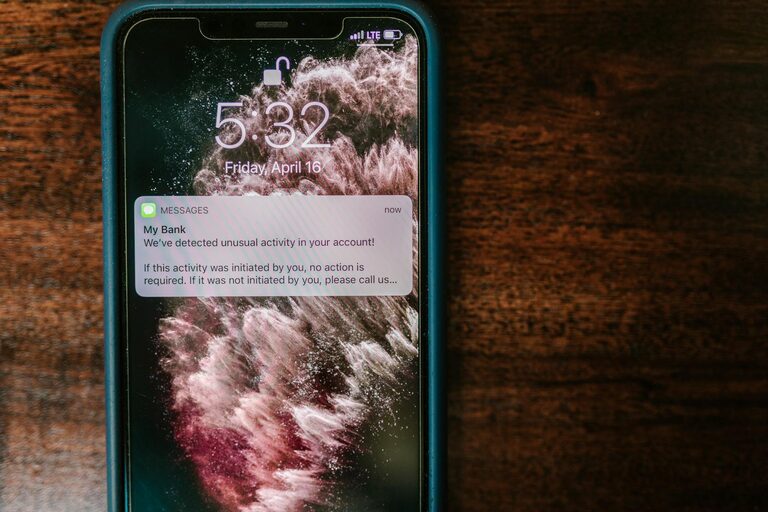
In today’s digital world, notifications from our phones, computers, and apps constantly demand our attention. While these alerts can be helpful reminders, they often interrupt our focus and productivity. Setting boundaries with notifications is essential for maintaining control over your time, reducing stress, and improving mental clarity. In this post, we’ll explore practical strategies to manage notifications effectively so you can stay focused and enjoy a balanced digital life.
Why Set Boundaries with Notifications?
Notifications are designed to grab our attention—sometimes too successfully. Constant pings and buzzes can:
– Break our concentration during important tasks
– Interrupt face-to-face interactions and personal time
– Increase feelings of stress and overwhelm
– Drain mental energy with frequent task switching
By setting thoughtful boundaries, you can gain more control over when and how you receive alerts, allowing you to prioritize what’s truly important.
Assess Your Current Notification Habits
Before making changes, it helps to understand how notifications currently affect your day.
– Take note of which apps and devices send you the most notifications.
– Identify if any alerts are unnecessary or low priority.
– Consider when notifications disrupt your workflow or downtime.
Reflecting on these patterns will guide you in tailoring the right boundaries.
Practical Tips for Setting Boundaries with Notifications
1. Customize Notification Settings by Priority
Most devices and apps allow you to customize which notifications you receive.
– Disable notifications for non-essential apps such as games or social media.
– Enable only high-priority alerts, like important emails or calendar reminders.
– Use “quiet hours” or “do not disturb” modes during work or rest times.
By focusing on what truly matters, you reduce noise and improve focus.
2. Schedule Specific Times to Check Notifications
Instead of responding to notifications immediately, designate certain times during the day to review them.
– For example, check email or messages only in the morning, after lunch, and near the end of work.
– Avoid constant interruption by resisting the urge to look at alerts as soon as they arrive.
This practice trains your mind to prioritize tasks without distractions.
3. Use Technology Features to Minimize Disruption
Leverage built-in tools to block or silence notifications automatically.
– Enable “Focus” modes that limit notifications based on activity (work, sleep, personal time).
– Set apps to deliver notifications quietly to notification centers without sound or popups.
– Use app timers or usage limits to reduce engagement with distracting platforms.
These features help maintain boundaries without manually adjusting settings all the time.
4. Communicate Your Boundaries Clearly
If you collaborate with colleagues or stay connected with friends, let them know your notification preferences.
– Inform people about your “quiet hours” or preferred channels for urgent messages.
– Consider auto-reply messages during deep work periods to manage expectations.
Clear communication supports respect for your focus and time.
5. Create Phone-Free Zones or Times
Designate specific areas or periods when devices are put aside.
– Examples include meal times, family gatherings, or the bedroom.
– This habit reduces the impulse to check notifications and encourages presence.
Device-free moments contribute to mental well-being and quality time.
6. Regularly Review and Adjust Your Settings
Your needs may change over time, so periodically:
– Assess which notifications remain useful.
– Remove or add app alerts as priorities shift.
– Experiment with new tools or schedules to refine balance.
Staying proactive ensures your notification boundaries stay effective.
Benefits of Setting Notification Boundaries
By taking control of notifications, you can enjoy:
– Increased focus and productivity during work or study
– Reduced stress and digital fatigue
– Better work-life balance and presence during personal time
– More mindful, intentional use of technology
Final Thoughts
Notifications aren’t inherently bad—they keep us connected and informed. However, without boundaries, they can easily disrupt our flow and peace of mind. Implementing these tips helps you reclaim control, making technology serve your goals rather than distract from them. Start small, experiment with different approaches, and discover what works best for you. Your future self will thank you for the focus and calm you create today.
—
Feel free to share your experiences or additional tips in the comments below!